Review by Brian Bolding
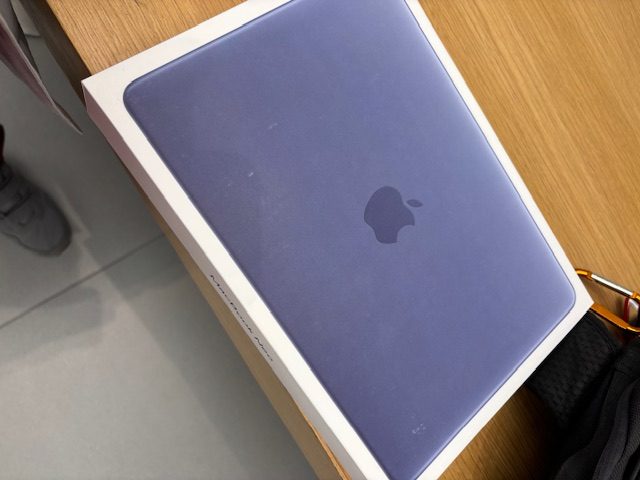
Color Me Impressed
Just a few days ago, my order arrived at my local Apple Store. I was so excited. It was my new Apple MacBook Neo. It’s a new 13″ laptop by Apple, at a lower cost. I ended up purchasing the 512 SSD / 8 GB / Indigo model with Touch ID. The only other option was 256 GB with no Touch ID, and I’ve been spoiled by my 2025 MacBook Air M4. I didn’t quite know what to expect, and I spent a few nights before this agonizing over which color to get – should I get the new Citrus color? Or does that look like a thief magnet? I ended up going with Indigo since it’s more subdued but yet one of my favorite colors. So why did I purchase the MacBook Neo if I already have a Midnight 2025 MacBook Air M4? The curiosity was killing me, and if it was from Apple, I knew it was going to be good. How right I turned out to be.
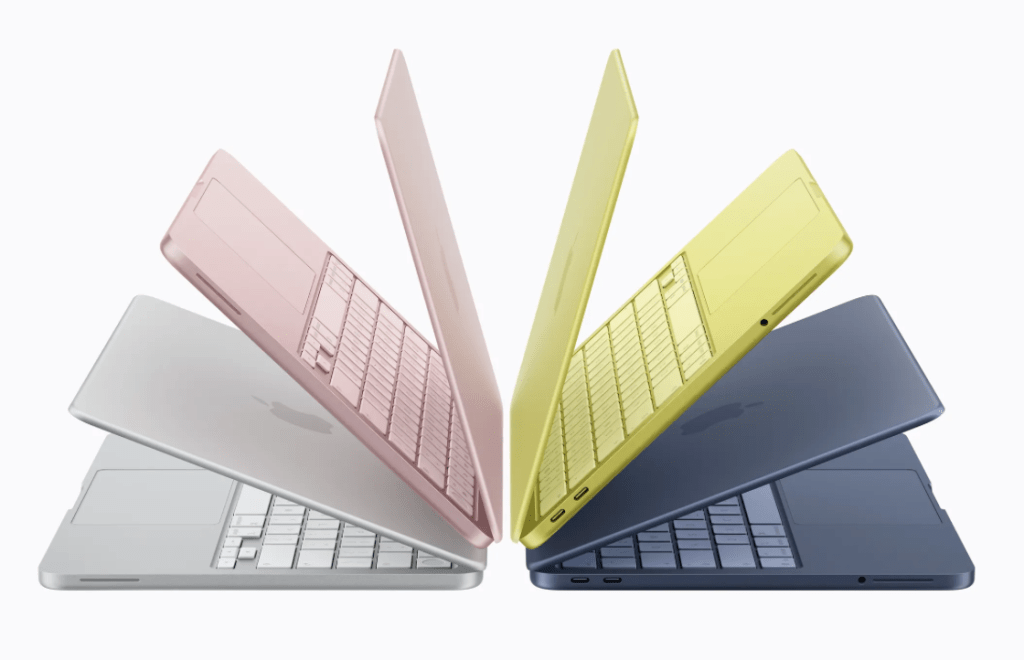
The new MacBook Neo comes in 4 strikingly different colors. I went with Indigo!
Color has always been an important factor in purchasing a laptop. The Citrus seemed almost too bright, too yellow, and a little green, and living where I do in a high crime area, I thought that maybe carrying around a glowing gold laptop might not be the best idea. I’m so glad now that I’ve seen a few review videos of the device that I went with Indigo! Readers out there may want to consider the same, since the Citrus colored Neo is probably the most talked bout of all the colors, and many thieves will be on the lookout for one to snag. The Blush (Rose) colored Neo is more anodized-aluminum soft blush, and the same with the silver. The Silver and Indigo models, though, I feel, are the less garish of the two others and many might wish to consider those. Not since the original iMac and iBooks has Atari shaken up their color palette so much, and I, for one, welcome it! Another facet to keep in mind, the keyboards on these 4 color options are also color-matched in a slight way, and it adds that artistic flair that us Mac fans and users have come to enjoy.

The only Apple Store in New Mexico is, thankfully, here in Albuquerque!
Who’s It For?
The new MacBook Neo is Apple’s answer to a different segment of buyers, one that they had never really catered to before with such a great value proposition as a $500 laptop. Thankfully, we users get to reap the benefits from a value-driven Apple laptop, the first of its kind. The MacBook Neo comes in 4 different colors, and in only two variants – one a 256 GB SSD with 8 GB’s of ram, and the other with the same 8 GB of ram but with a 512 gb SSD, along with Touch ID, which I have grown so used to using since I purchased a 2025 MacBook Air and grew to love it. The new MacBook Neo did not disappoint!
An important factor to remember… education students and/or teachers can get this laptop for $100 off! That’s right. So the $599 laptop becomes $499 with the lower tier model, and an extra $100 for the spec’ed up version. This is also why upgrading is a no brainer to me. Why not? As an educator for a living myself, I opted for the 512 GB SSD model with Touch ID, which cost me about $647 after tax, with in-store pickup on that Wednesday launch day. Not bad! I was there at 10 am, everyone was clapping, it was a fun trip ! The Apple Employees were a pleasure to deal with, as usual. It’s a far cry from the launch of OS X that I attended at the Knox-Henderson Apple Store in Dallas, or the launch of the iPod with the free buffet and t-shirts, but it’ll do. Thankfully, the only Apple Store in New Mexico is also right down the street for me in Uptown, so I lucked out there, too. This location has been my go-to spot for any Apple stuff over the past 13 years since I’ve lived here. Easy to get in and get out at the ABQ Uptown Shopping Center, plenty of parking, security, no fuss.
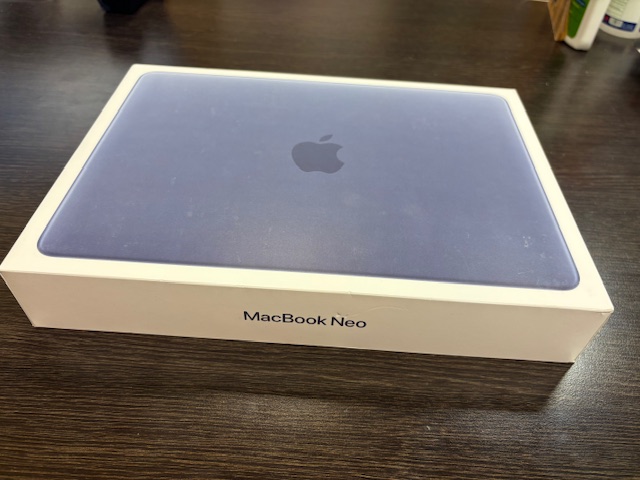
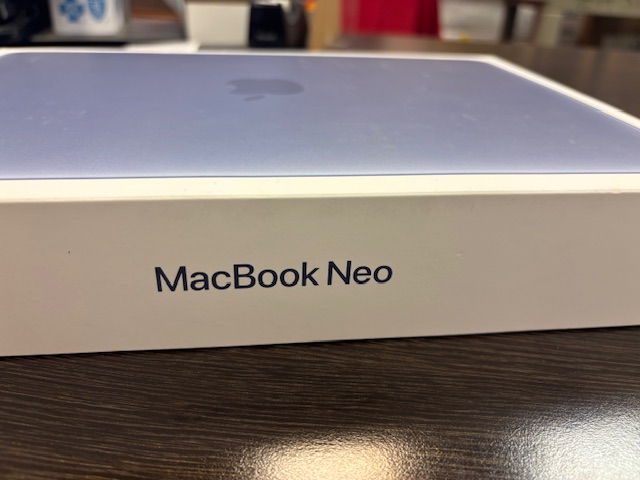
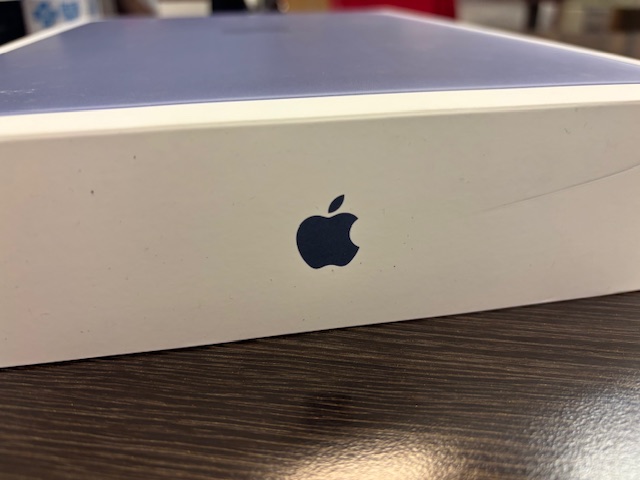
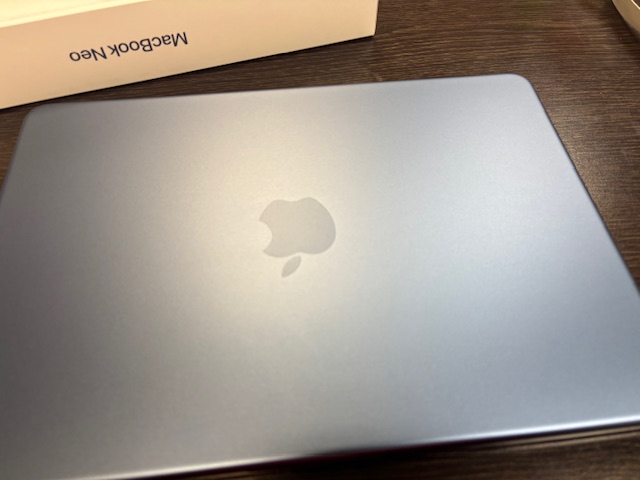
In the hours leading up to the general release of the device for us consumers, I had seen a few YouTube videos that seemed promising about the new device. Apparently it was faster than tech enthusiasts like Marcus Brownlee had even hoped for. When I picked up my Indigo model and rushed to work, I couldn’t wait to unbox it at my desk. The front of the box features a blue MacBook, that appears to be even bluer than the actual product, however, I didn’t let that sway my judgment. Apple is so classy with their packaging materials, and the booklet inside even matched the color of my new Neo, color me impressed.
At First Look
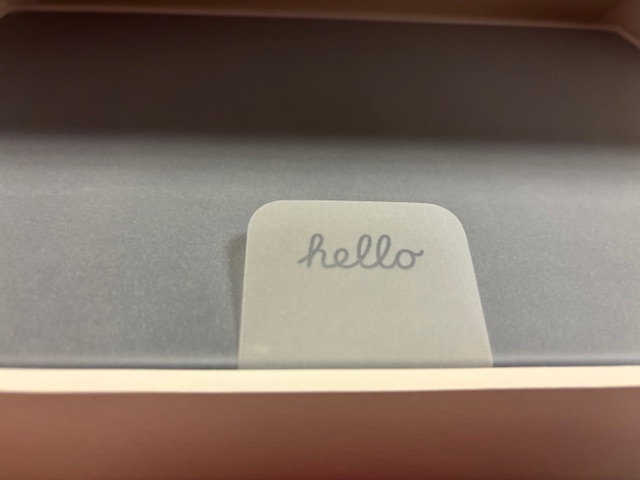
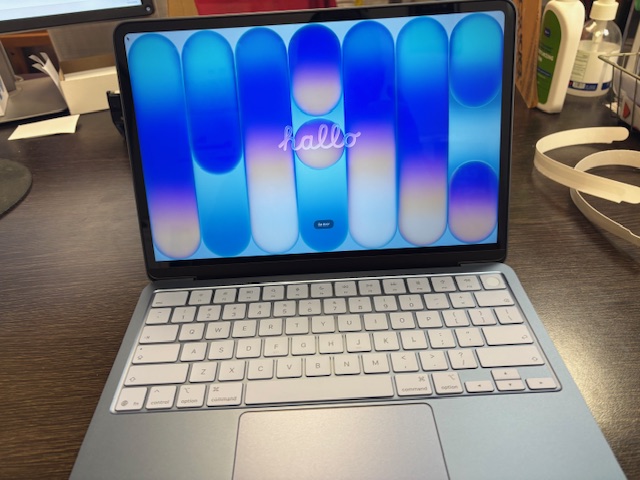
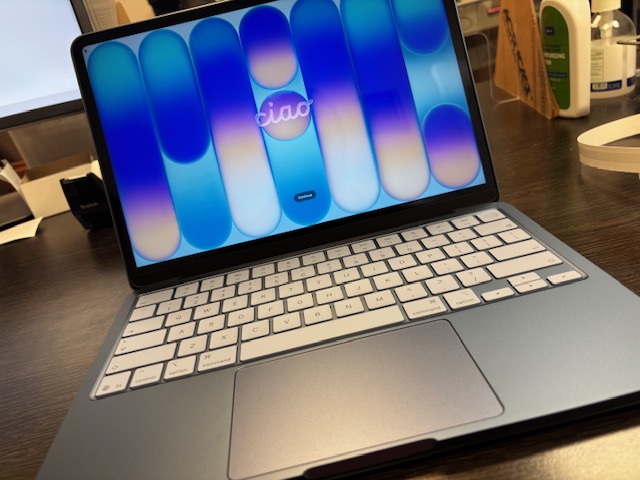
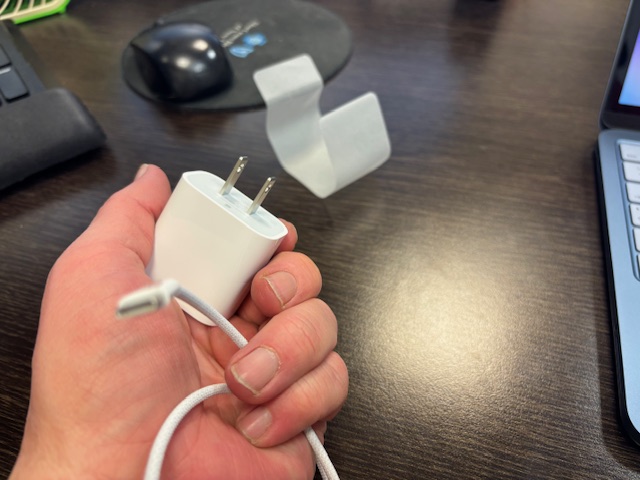
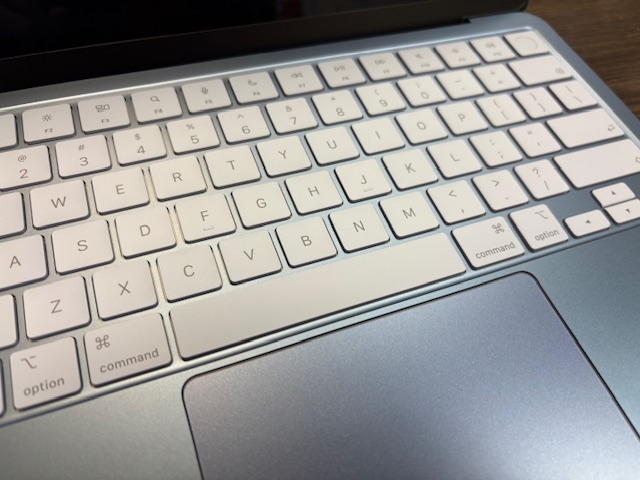
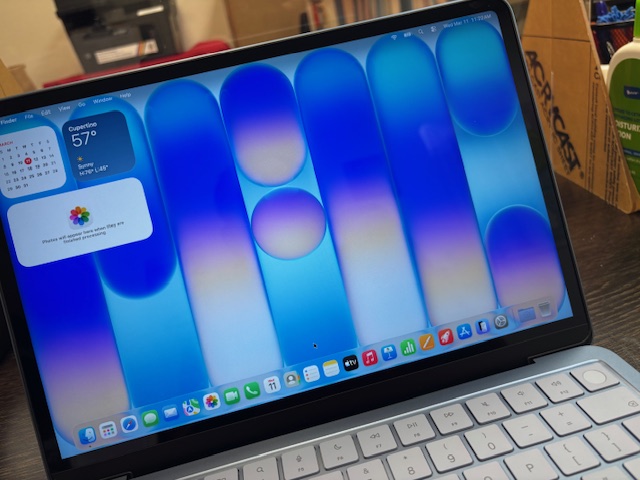
At first look, once I’d taken off the wrapper that elegantly says ‘Hello’ in the same color as my Neo, Indigo, I was impressed. Apple is so great with these delicate little touches; Microsoft could learn a thing or two for their own in-house Surface devices. As a longtime fan of both companies, I truly think, after spending a few days with the Neo, that it is truly the laptop for just about anybody. I mean, maybe not for Mr Beast or other crazy big content creators who use super rich editing, but for most of us, it should fit the bill. Looking further, past the smooth non-backlit keys colored a mysterious hue of blue, I began to take note of the inputs on the device. On the right, two USB-C ports, not Thunderbolt 4 (a tradeoff for a sub $500 device), but adequate. These are mostly for data transfer and charging via the topmost port. Along the bottom sides are two speaker grills (interesting to see) and a headphone jack on the left. That’s it. No ports on the right, but for a device that costs under half of a new MacBook Air, I was able to overlook it. The unit itself comes with a 20 watt power adapter, a slightly larger version of ones I remember from long ago for the iPhone or iPad. As I opened the laptop I was stunned. The keys seemed slightly blue, as well, and feel smooth and refined to the touch. Every inch of the laptop screams Apple elegance. (There are also 4 blue rubber feet on the bottom! I’m thankful that Apple included those to make the laptop more sturdy on slippery surfaces.) Oh, and setting up the Touch ID upon first boot is also a pleasure. Always works, and you can add more fingers, too. Something else oddly amazing to note. My indigo blue MacBook Neo shipped with a blue indigo-ey desktop theme, and I imagine the other colors get that same treatment, too. Apple knows how to kill us with the little things, don’t they? They’re fantastic at it.
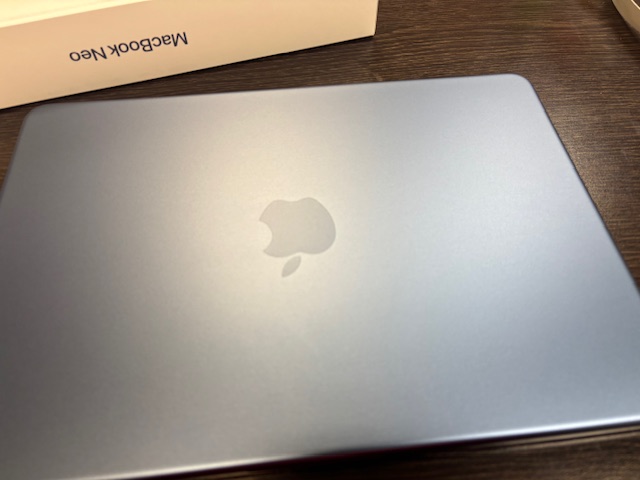
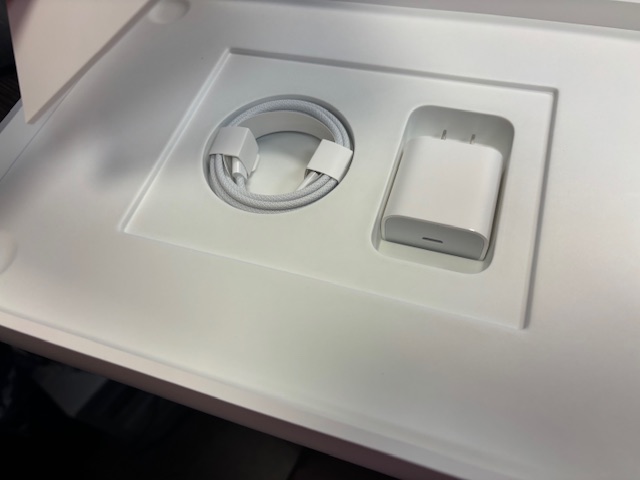
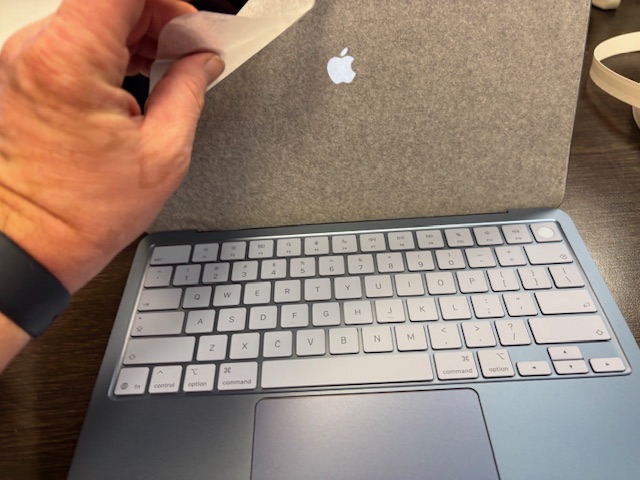
“Every inch of the Neo screams Apple elegance.”
This isn’t a machine for power users, but for the rest of us. That Mom in Colombus, Ohio who wants to post her creations on Etsy and manage her retirement, or to that teacher who just needs to do a few simple tasks and browse the web, listen to music, and make some light edits to videos and pictures. The trackpad, too, is not the Magic Trackpad that we’ve become accustomed to. Instead, it is a regular trackpad, and as a user of many Apple products, I honestly couldn’t tell the difference. I’m not a power swiper by any means and don’t use many of the features of the Magic Trackpad, but this feels just fine to me. All touchable corners work great and it’s a pleasure to use. The screen is a powerful 500 nits-bright IPS display, and although not as rich and detailed at showing the color gamut as the MacBook Air or Pro, it’s adequate. Pro photographers may wish to look at the MacBook Air, which features True Tone color gamut and much more. As I said, for most folks, this will do just fine. On top of that, the device has that Apple elegance that we’ve all been spoiled by for the past few decades.
Setting It Up
Setting up the Neo was a breeze, sort of. It queried me whether or not I wanted to transfer data from my MacBook Air, then it became somewhat convoluted in the way only Apple can at times. I was asked to enter authenticator codes to continue, but once I saw how large those files were, at least 50 GB, I decided not to transfer and instead just use a cloud client to download some larger projects and iMovie files I’ve been working on. Starting over with a clean slate on a device with 512 GB seems refreshing somehow. I was able to go into the App Store and download what I wanted anyway, and I liked having this level of control over what was installed. Another note, I saw few mentions about Apple Intelligence, only one message, and I don’t see where that exists and wasn’t prompted to have its’ use explained to me in setup, something I hope Apple can one day address for those of us who are a little more clueless about its intended function. I assumed it was like Microsoft’s CoPilot, so I opted to pass on using it for the time being. My device is simply going to be for writing emails, downloading music, making some minor edits to videos, but within a few hours, I found myself actually editing videos on the device, something which is actually capable seeing this is Apple Silicon, it’s essentially the last gen iPhone’s processor, and here, it shines.
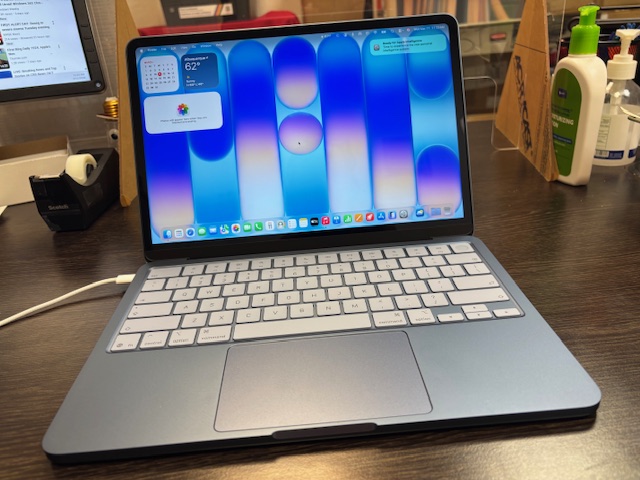
“Touch ID is something I’ve become used to over the years.”
The Ease of Touch ID and that Extra Space
Touch ID came in handy right off the bat, with logging into the device easily and making purchases is also so easy with this addition. Touch ID is something I’ve become used to over the years, and here it just makes the laptop feel snappier and even more inviting to use on a day to day basis. Touch ID can be used to pay for apps in the App Store, to quickly sign in to sites or gain access to areas that require a special login; I find it extremely helpful and needed here. As of this writing, I still have 450 GB of space left after installing Microsoft Office, Pixelmator Pro and many other apps. As stated before, the extra space is well worth the $100 extra, as well as Touch ID, so I’d recommend future users check out those models. Sure, you can get around the base model’s “lock” key they put on those models instead, by using your Apple Watch, but it felt nice having it here to use at all times.
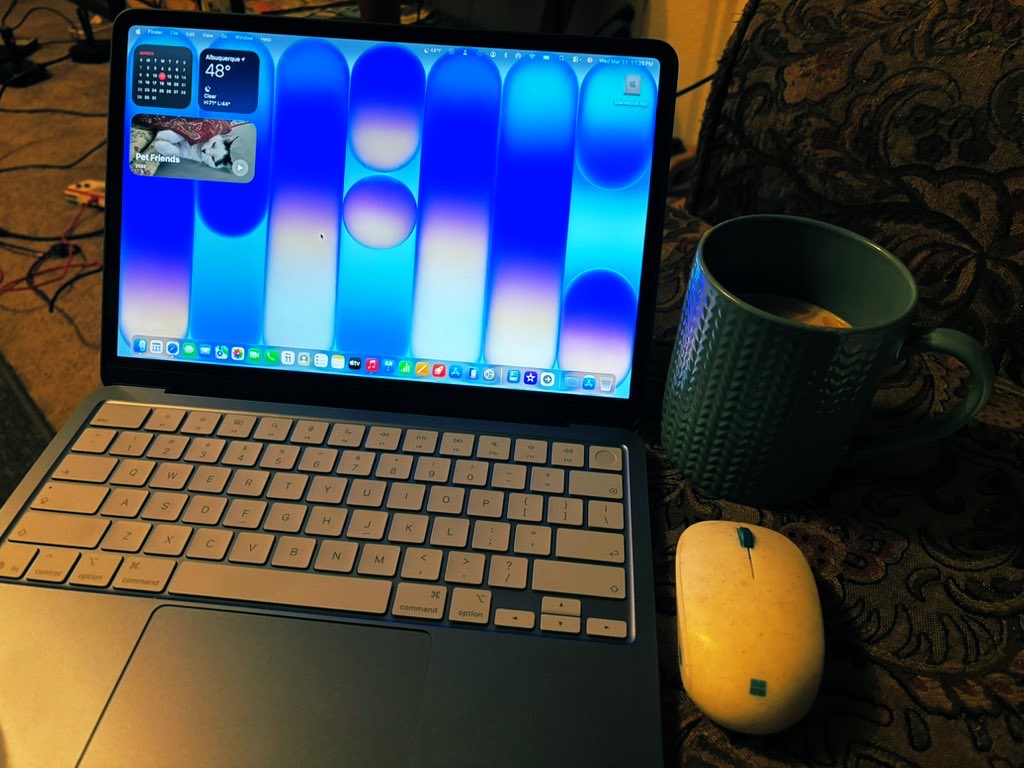
After setting up my Neo, I took it home with me as my work day closed and began to find other ‘blue’ items to use alongside my laptop, such as the Microsoft Recycled Mouse, featuring blue accents, and my favorite blue Starbucks coffee mug. See the pic below for some inspiration!
More Hardware Specs
While I was so busy enjoying myself typing away on this amazing keyboard, I thought I would go over some of the hardware specs with you I hadn’t discussed yet. The Neo’s feature an A18 Pro chip, 8 GB unified memory, and a 13-inch Liquid Retina display. The only options to configure is the color scheme (Citrus, Indigo, Blush and Silver) and whether to get the 256 GB SSD / No Touch ID version or the one with Touch ID and double the hard drive space. I opted for the later, and I highly recommend this upgrade to all users since you can’t add on Ram later as the on-board ram is stuck in place once you buy it. I also opted to pay monthly for AppleCare+, which is about $5 per month and includes replacement for damage to the device under its warranty. Having AppleCare has saved me over the past few decades, from running over my iPad Pro once to having an Ibook G4 slip off the top of my Volkswagen Golf. In both cases, Apple replaced the devices for a small fee of a few hundred dollars, and I was happy to oblige. Other considerations for the Neo include its audio, which, while not as loud and booming as the one on the MacBook Air, is plenty loud for me and does the trick. It actually sounds better to similarly priced laptops and I was not surprised to find that out. It’s got Bluetooth 6 (not 7 as on current Macs) but it works flawlessly. Battery life is also slated to be up to 16 hours for video playback and web browsing. I’m finding in my mixed use which also includes typing this review and listening to the Music app, to be around 15 hours, so pretty close. The Neo can also charge via any regular old USB-C cable to the topmost left side port, and I find using more powerful chargers that the laptop can be charged in less than an hour; with the included 20-watt cable this can creep up to over an hour, so not too long of a wait.
Comparisons
As the owner of a Microsoft Surface Laptop 7 with CoPilot that I purchased last year for a few hundred dollars more than this, and the 2025 MacBook Air M4 base model which was just around the same price due to student discounts and a local deal, I felt there was no other option but to compare my use cases for these three devices and how they differ. There are use cases for each, and some could easily replace the other in various ways, and not in others.
To start, I primarily use my Surface Laptop 7 to use Windows software, such as my video editor for my YouTube channel and for quickly posting to social media. I have always found this process to be slightly clunkier (to me, anyway) on a Mac. However, on my MacBook Air, I have used that device (as well as my Mac Mini M3 upstairs to make splashy intros in iMovie for the above mentioned videos, and I use both laptops to surf the web, read and gather content, and do everything else that computers are meant to do, make life simpler. I have begun using my MacBook Neo to edit videos just to see what the process was like and how it differed without the use of my video editing program on my Windows laptop, and I struggled a bit. As a user who loves both laptops, I still find that using a combination of both to be better for my needs. Thusly, the MacBook Neo is a great ‘on the go’ replacement for my Air and Mac mini, and I find it to be extremely capable, with sometimes having 20 tabs open in Safari while listening to music and editing a non-4K video. Everything ran great, the laptop never got hot, and it was the most elegant typing experience I’ve witnessed on a Mac in quite a while. No slowdowns, either, and for a laptop with only 8 GB of RAM (and Apple Silicon!) I was still surprised at this. Apple has really hit a home-run with this laptop!
I did another test, too. I wanted to test out whether not having a backlit keyboard would be too much of a stretch for me, after having that on my Air and on my Surface Laptop 7 with CoPilot Plus. I was surprised to find that the brightness of the screen illuminated the keyboard in such a way that I didn’t find it too much of a bother not having it. If you’re a student and type in dark dorm rooms, I think you’ll be pleasantly surprised by how much I didn’t miss the backlighting and got used to using the screen glow as my guide instead.
I thought that having 256 GB would be enough on my Surface Laptop 7, and as a content creator using it for pushing out content weekly, I find the hard drive size space to be very limiting. Some videos can take up to 50 GB of space easily, for having that 512 GB ssd on the Neo makes me want to learn how to edit my content on that device more. The extra space is a must for 2026, and I do not recommend the lower spec’ed version for most students or those using their laptops to push out content of any kind.
Conclusions
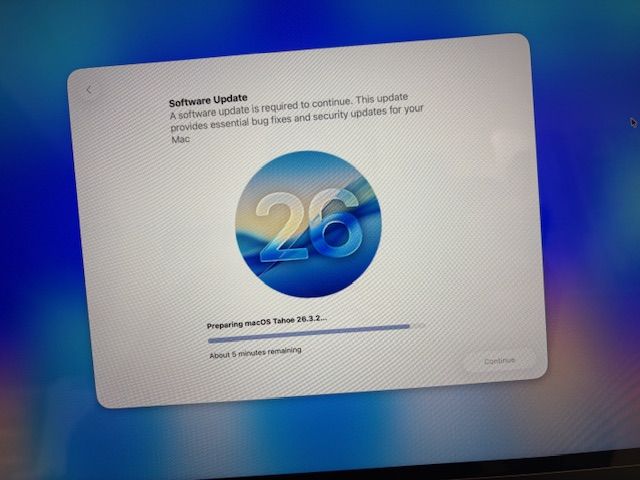
After having used the MacBook Neo now for a few days, I can honestly report that it’s been an absolute joy to use. Something about the laptop just makes you want to pick it up and throw it in your bag, use it whenever you feel like, and its rounded corners are smooth and futuristic in ways. The speakers are good enough, the keyboard is amazing (despite the lack of backlight for some), the screen is gorgeous and bright enough for me, and colors still seem crisp and refined. The applications all run smoothly, and after the automatic update which occurs on Neos once you open them, they run smooth and creating content on them is akin to creating a sparking sculpture or other masterpiece. The device you create on, I find, can help inspire you to grasp more, color a picture more with words or speech, and I feel, as an artist, is just as important as what one produces. I’m a fan of the MacBook Neo. it puts my Surface Laptop 7 with twice the RAM to pasture in many ways. Sure, the Air is faster and more powerful, but this is way more portable to me, even though in actuality the sizes are similar. It’s a joy to use and yes, Parallels has also mentioned you can install Windows 11 on it and it works swimmingly. The question now is, which color will you choose?
Brian Bolding is a therapist, independent gaming journalist, artist, photographer, ham radio technician, general techie (PC and Mac lover) and content creator on YouTube. Catch his channel, Ballistik Coffee Boy, where he discusses Atari news on Atari Newsline, brings gaming joy every two weeks with That Atari Show, and goes off the proverbial gaming cliff with other shows such as Tiger Bling (which covers Tiger Electronics’ toys and products) and 99Bytes (his new show focusing on the TI-99/4A home computer). He’s also a tech enthusiast and has written tech reviews on this website, and Eskimocha @ Geocities, for the past 3 decades. He has written several tech reviews since 1995 on his websites and continues the trend today. You can also catch him on Tik Tok, Instagram, Twitter/X, Facebook and Blue Sky!
 Ballistik Coffee Boy.
Leave a comment