2015 Macbook Air 13″ M4 Midnight Review
by Brian Bolding
Delving into Midnight
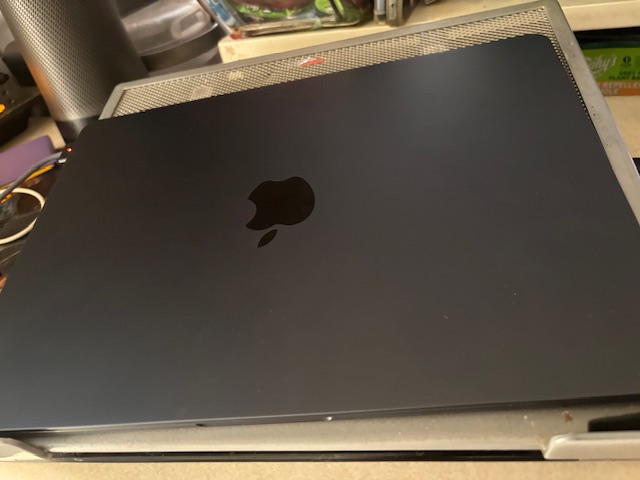
You know, I used to be one of those Apple fans that upgraded every single cycle. I look back now, after having dipped my toe into the Microsoft side of things again in 2015, I feel I wasted a lot of money. It’s expensive to be on the cutting edge of technology and such. So, my main machine over the years has become the Surface Laptop 13′, and I just upgraded last year to the new CoPilot+ model. So, I was sitting pretty until one day recently, I heard that Amazon.com had the 2025 M4 version of their MacBook Air on sale for under $700. I nearly fell out of my seat! I know full well that this laptop is worth much more. Sure, I had strayed from Apple a bit, but still enjoyed my iPhone, iPad and such. I also had a new-ish M3 Apple Mac Mini upstairs in my bedroom that I hardly ever touch for some reason. So, of course, I had to jump at the chance to get my hands on this new 2025 MacBook Air. Boy, am I glad I did! And that midnight color… gives off hues of blue and black, I’m a fan! Very sexy while being utilitarian, the mark of an excellent Apple product.
The Basics
Going over the basic specs, the 2025 13″ MacBook Air. The Apple website boasts “remarkably light and less than half an inch thin!” The website also proclaimed that the Air had a new M4 processor, comes in 13 inch or 15-inch form factors, and contained 16 GB of RAM as the baseline, which, I mean, was about time, right? The SD internal storage was set at 256GB on the model up for sale, and it boasts an 18-hour battery life, as well as proclaiming to be twice faster than the MacBook Air M1 model. There were 4 colors available: Sky Blue, Silver, Starlight and Midnight. (How could I say no to midnight?) The space gold color has been retired, at least for now, and that used to be an old favorite of mine. Apple also has switched to their Magsafe charging cables, which means it has a strong magnetic hold but also allows itself to be ripped free if someone crosses its path, which I also like. ‘Apple Intelligence’ is something that Apple continues to boast on their front page, but after owning the laptop for over a month, I can honestly say you won’t even need to use that as it’s a half-baked feature, at best. Additional features include a backlit keyboard, Touch ID for quick unlocking, two Thunderbolt 4 USB-C ports that support up to two external displays, and WIFI 6E with double the previous throughput. All great upgrades, but how much better can the ultimate laptop get?

Half-Baked or Just Right?
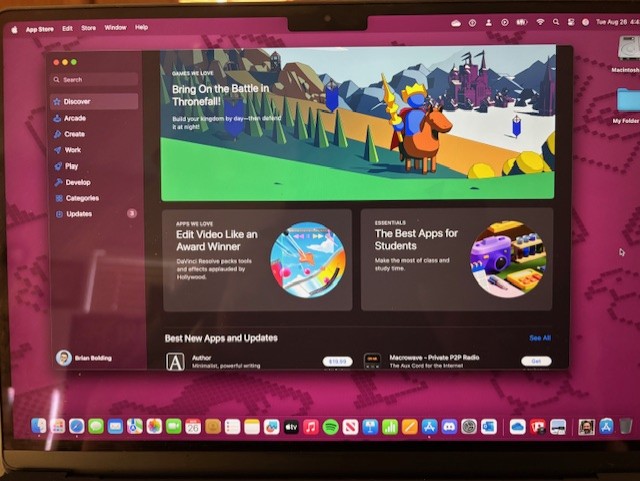
The 2025 Apple MacBook Air also features a slew of other notable upgrades over my previous 2020 model. The display, for starters, is a liquid retina display that supports 1 billion colors nas up to twice the resolution of compatible PC’s, the site proclaims. The laptop also boasts having a new three-mic array and immersive sound. As a writer and content creator, I was specifically in the market for a laptop that was zippy, could handle some light video editing without breaking the bank, and I generally just listen to music and browse the web. I can tell you after spending the past month with it, I have come to some starting conclusions. I wouldn’t get this for the Apple Intelligence features as those are half baked at best. I would, however, recommend this laptop to just about anyone else.
Does this laptop satisfy & amaze?
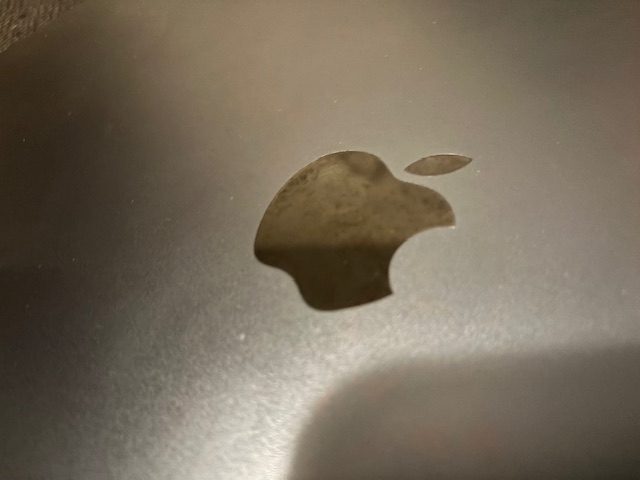
In a nutshell, yes. When I first held the laptop in my hands, I was amazed at how light and beautiful it looked. I attended the original MacBook Air launch in 2008 and bought one at the Apple Store; it’s very different from today’s model. Apple has learned from years and years of upgrades and variations – the big shining light here is the incredible M4 processor, which smashes just about anything Thrown at it, within reason. I did suffer one or two small hiccups when doing more major intensive work, such as editing a 1080p 30-minute video, browsing the web and listening to music, with about 20 tabs open in Safari. (Yes, my fault.) What I realized though is that if your needs are general and more understandable, such as mine mostly are, you can get your bang for your buck here. I found that most tasks the Air handled with grace and speed, and overall, I am very happy with it after one month of use. One con is that the front of the laptop facing me (on the left side) has started to wear from use a little, and only after one month, so I’m not super happy with Apple’s decision of paint, however, it’s still a gorgeous laptop that I would throw one of those skin-tight cases on, if possible. The keys feel better than they used to, to be sure, but still maintain a slim profile.

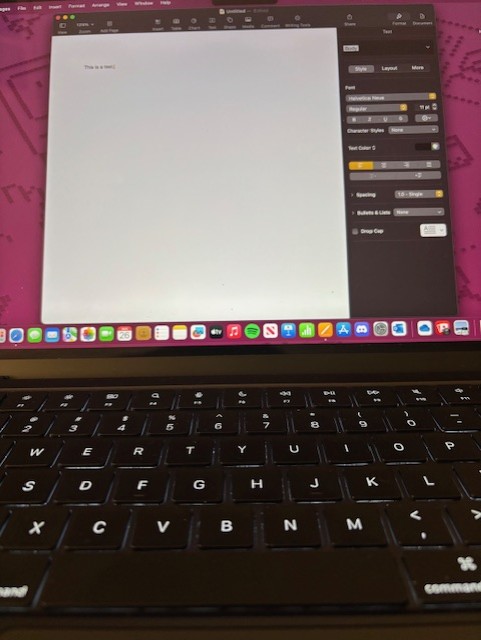
When writing this review, for instance, I opted to use my Free Write Alpha which is a separate device which uses cherry keys and is meant for distraction-free writing. The Alpha sends the data wirelessly to my OneDrive or Google Drive, and from there I simply copy the file to Pages; alternatively, you can just email it to yourself. I find this setup much more distraction-free. Sure, you can put your Macbook Air in Do Not Disturb mode but all the bells and whistles (Music, Media, the Web) is just too distracting for me, so I opt to create this way now using this two device method. The Air is nice to type on, but not nice enough to type out a novel on, I feel. However, this is going to be one size fits all for most, as the speedy M4 Apple Silicon chip handled most everything I threw at it. The version I got was the base model version, consisting of just 2 USB-C ports along the left, as well as the proprietary Magsafe charging port, and on the right side has a single Mic jack (do folks still use those?) I feel the right side should have also contained a Micro SD Card Slot or another port, but then again that might bleed the MacBook Pro. As someone who has used MacBook pros, Airs, the Core M MacBook from 2017 and several iMacs and eMacs before that, I have to say that the new 2025 M4 MacBook Air, at that $700 price point, is a sweet spot for most who are in the market for something that will last and have maintained support and quality. Word on the street is Apple is also going to release a sub $500 MacBook very soon, containing an iPhone processor. I feel with that price point, for most, Apple may have another hit on their hands. One of the defining points for me as a Microsoft Surface device user was that their laptops were also tablets and featured touch-screen surfaces, which are important to me as an artist, too. The MacBook Air doesn’t feature that, but my 2024 base model iPad does, and I’m fine using a separate device in most cases for more creative pursuits.
For typing, I’m fine with using the Air for everyday use, but for more involved typing (such as this article) I feel that a distraction-free device with a better keyboard may still be more suitable. Long gone is the Touch Bar which was a huge feature of Macs for about a decade. I don’t miss it, only when I do. For instance, I got used to looking up words in the Touch Bar and now you cannot, you must go through Google or Safari to do that, I think, and I do miss the ease of use of the Touch Bar in these newer models which have done away with that function. For students, I feel the new M4 MacBook Air is a great buy, specifically for getting homework done and running more graphically intensive programs, than even the Surface devices can handle. One thing is for sure… Apple Silicon has changed the game. If Microsoft intends to keep competing in this arena, they are going to have to produce Surface Go’s with slimmer bezels, faster processors and good price points.
Final Thoughts
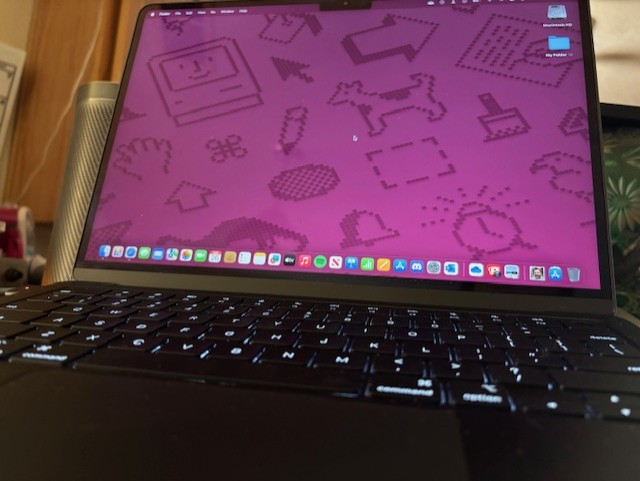
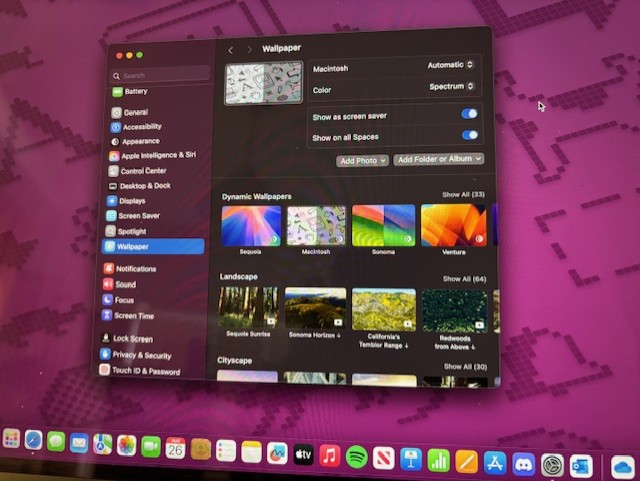
For the new M4 Apple MacBook Air 13′, I would have to give it a glowing review, however, have not been satisfied that the paint is rubbing off ever so gently on my left side palm rest. It’s not noticeable to most, but it is to me, and after paying nearly $1K for a laptop, specifically an Apple laptop, which is just about as premium as you can get, I feel more work needs to go into ensuring the colors don’t wash off under normal to light use. The speakers, as always, are amazing and definitely do the job, but just about everything, including the screen, is better on the Pro. However, that doesn’t mean the Air is bad at all, in fact, it’s probably neck and neck with other higher end non-Apple laptops. Gaming also seemed to work flawelessly when I played Fortnite, and I am in love with the new classic Macintosh (Spectrum) theme and wallpaper, give it a try! Just phenomenal and a true mark of elegance. The laptop can get warm at times on your lap, due to the performance barrier being hit, but at least we don’t have fans to deal with anymore. In fact, the Air uses internal cooling technology to combat this. However, if you’re editing 4K content or have a ton of programs open, prepare for the laptop to bring the heat.
My score is 95% for this laptop. While it just about hits every mark and I feel would be great for most folks, the quality of the paint could use some work. Everything else has been golden. You can’t go wrong with this laptop, just make sure to take off all your watches and jewelry when you type on it. If you can find this laptop for $200-300 off right now, even better! There are different variants that have been on sale the past few weeks on Amazon and other sites, so do your homework before hitting that purchase button! At the end of the day, however you obtain it, I’m sure you won’t regret it, unless you edit 4K videos, in which case, I’d opt for the Pro. Most folks, I’d say 99% of you out there, will be just fine with the Air. I am certainly over the moon with mine, and I don’t forsee myself upgrading for quite some time! This is finally a laptop that is speedier than most things I can do, and I’m sure you’ll feel the same once you try it. Stop into an Apple Store and try one out; you may walk away impressed, surprised or both. Apple didn’t disappoint with this update, and it is currently my favorite laptop I use, with my new Surface Laptop CoPilot+ a very close second.
 Ballistik Coffee Boy.
Leave a comment