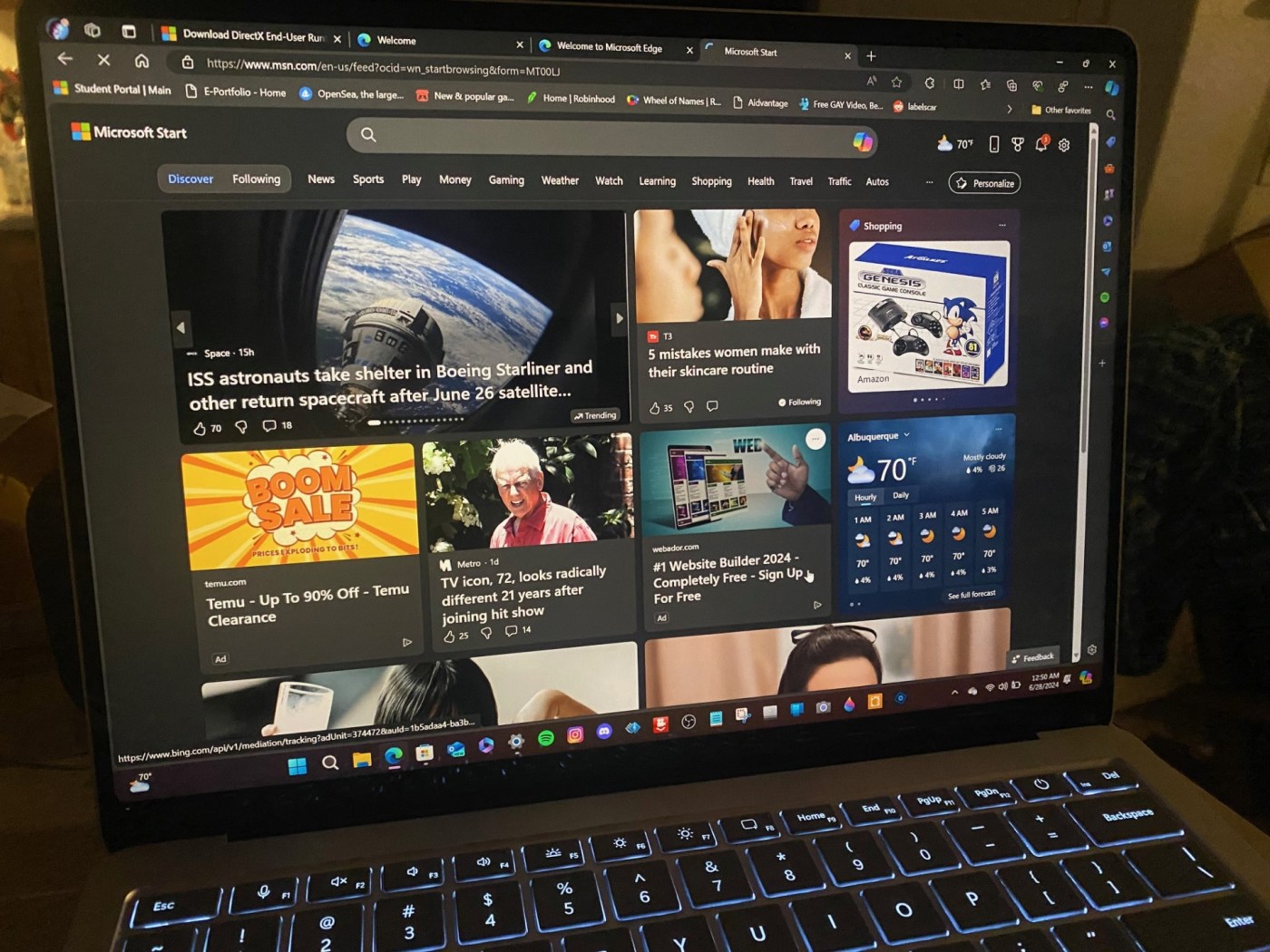
by Brian Bolding
Back on June 18, 2024, when Surface Laptop 7 and Surface Pro 11 was officially announced, I was excited to see what all this “CoPilot” fuss was about. Sure, I’d used the CoPilot app on my previous Windows 11 PC, the Surface Laptop Studio, but I wasn’t sure just what was going to surprise me beyond that CoPilot-branded button reported to be on the keyboard, and this mysterious thing called Recall. I had to work late that day, so I came home and watched the Microsoft presentation on YouTube. I was wowed by the presentation, but I also saw my hopes diminished as media reports suddenly surfaced that this ‘Recall’ capability would be ripped out of the upcoming Laptop’s software when it was released. I heard it on Windows Weekly, from Paul Thurrott himself (and Leo Laporte and Richard Campbell.) Then, I saw some early video reviews on YouTube, which proclaimed that the Surface Laptop 7 was terrible at gaming, and I saw a piece of a live stream from the guys over at Windows Central, and I was fearing the worst. Over the course of two days, I watched about 8 other YouTube videos, each of them also proclaiming that the new Surface Laptop 7 didn’t just have a beautiful new redesign, it was actually a super-fast, battery-friendly laptop with the same touch-screen and platinum finish that I’ve grown to love, but it also had a number of enhancements that should not go overlooked. I’m not a hardcore gamer, so the issues with gaming on this thing would probably go unnoticed by me. I was suddenly excited again for that box to arrive on that rainy Summer monsoon day.

The box to the new Surface Pro 7 mimics the laptops’ color, and is a much smaller footprint made of recycled mateials, and looks more Apple than ever.
When my Surface Laptop 7 finally arrived, on June 28, 2024, after taking a few obligatory pictures of the box and contents for social media (and in preparation for this review, actually), I was stunned when I opened that slim white box with the cool new paper pull-tab. I took out the laptop. I turned it on and removed the outer wrapping and inner tissue paper sleeve. Voila! Windows! That dazzling (and super reflective) HDR touchscreen literally jumped out and touched me.

The new paper-pull tab on the redesigned Surface Pro 7 box is an example of common sense changes made to the overall package of the Surface Laptop 7.
When the laptop booted past the white Windows 11 logo, setup was a breeze. I had watched a couple of video reviews that trashed how long the setup was, but even after importing my latest Windows 11 laptop OneDrive save, it took me all of 5 minutes to be at the desktop. Talk about fast!
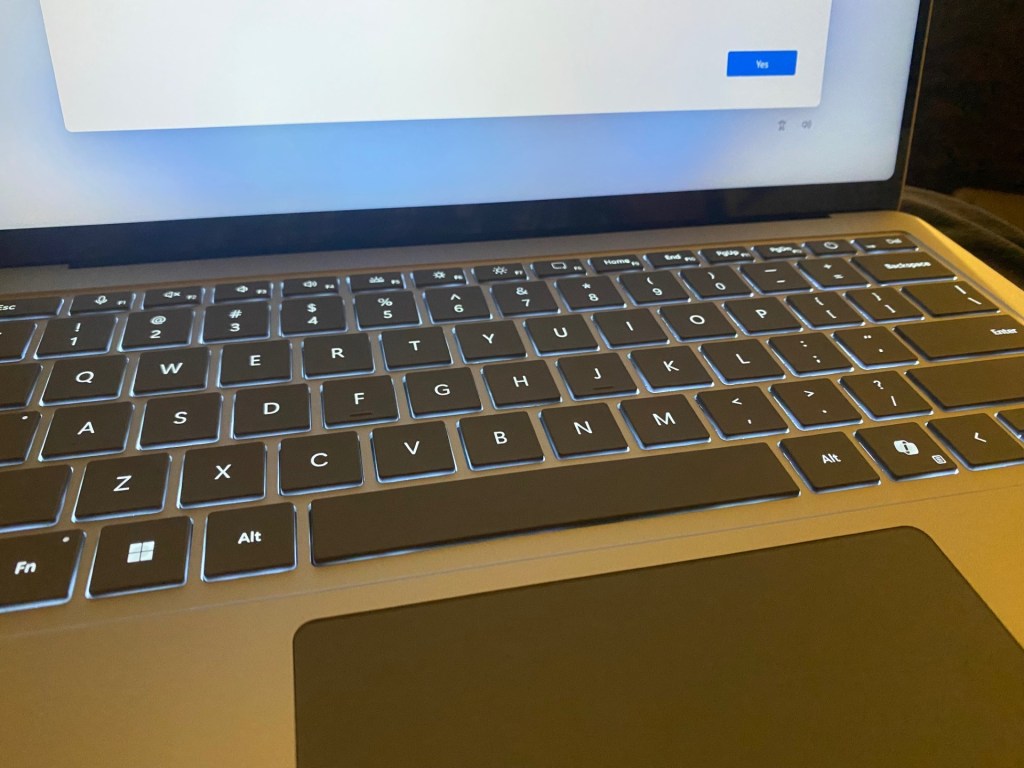
Setup was a breeze on the Surface Laptop 7! No long wait times, despite what some silly YouTubers say.
Something that needs to be said, right off the bat: this redesign is spectacular! I was greeted by a revamped mousepad with haptics (like the one on the newest M1-M3 Macbooks), and the keys were buttery to the touch, revamped and redesigned along with that ominous CoPilot key along the bottom left. This key apparently will bring up the AI that this new computer touts, even though during setup, it was stated that Recall and most other AI features were ‘coming soon,’ which was a bit of a double slap in the face since that feature had been stripped due to lack of testing and privacy built in, and for once, I think this was probably one of the best decisions Microsoft has ever made. Why? Because this laptop, as it stands aside from the AI features, is one incredible upgrade that everyone should enjoy.
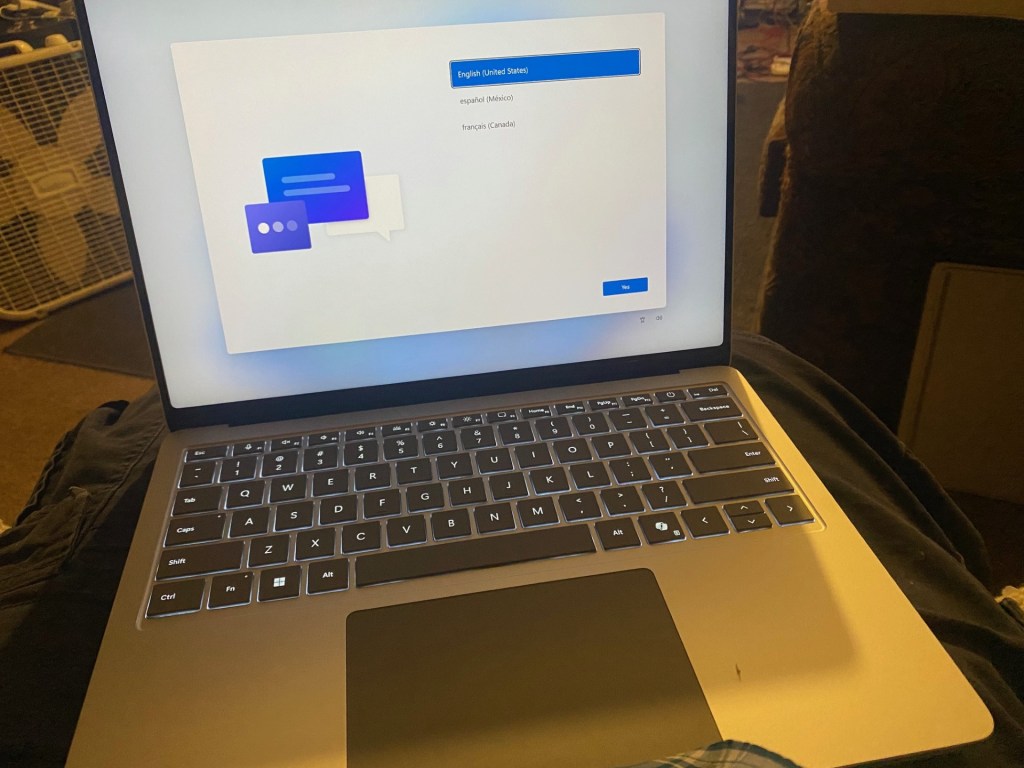
The keyboard is buttery smooth, and the mousepad has also been updated to a haptics endeavor. It’s a wonderful laptop that mimics Apple’s M1 Macbooks in almost every way, if not better.
Before I gush any further about this sexy new laptop, let’s go over the specs. This 3 lb laptop features a Qualcomm Snapdragon X Plus or Elite processor, which is not Intel, and is not Ryzen. Not X86, which is kind of a relief, to be honest. Furthermore, these processors differ in the models available; there are 13.8 inch and 15 inch versions, each with the choice of a Pro or Elite processor, featuring 10 to 12 cores of processing power.) What does this mean for the actual user depends on your use case. (This series of processor doesn’t run all software, so you should check and see if your favorite software requires an X86 processor or not. The Windows Store is a great place to find some mostly second-hand apps, so check the acutal website of your favorite software for more details.) Also, we have 16 GB of RAM in the base model (which is the one I purchased), and up to 32 GB of RAM in the top tier model, which is called the Elite. There is also a mid-level version.) The laptop contains a 256 GB, 512 GB or 1 TB SSD, features the updated WiFi-7, Bluetooth 5.4, and is available in four colors – Platinum, Sapphire, Black and Dune. Apparently, these new laptops’ NPU (neural processing units) can now perform up to 45 trillion operations per second (yes, trillion!) All things considered, I chose the Platinum model as this is probably my most favorite color. The Sapphire blue version seems almost too blindingly blue, and the Dune model seems almost like a Rose or brown to me. At any rate, going with Platinum is about as safe as it can get. The price ranges from $999 in the base model, all the way up to $2399.99. If you use your student or educator discount, that knocks off a nice chunk, and can save you some big bucks. For instance, I got my base model for about $899 plus tax.

Microsoft Office access and expanded OneDrive backup space is included with your purchase.
Upon using the laptop for the first time, I was amazed at the ‘snappiness’ in which most apps opened, and apparently there is an emulator that helps to open some non-Snapdragon complaint processor apps. Everything felt snappy, from opening up multiple tabs in Microsoft Edge (my preferred Windows 11 web browser, even over Google), to watching a Movie in Movies & TV, which I had to download from the Microsoft Store, or listening to songs in Spotify. Something else — the speakers have been greatly improved, even rivaling the Macbook Air and Pro speakers. These blew me away! Everything about this laptop just oozed luxury to me, and this premium laptop is truly a product that Microsoft should be proud of, despite the Apple-friendly Media and stupid YouTube fan boys that get free hardware with stupid haircuts that we all just want to strangle in their sleep. You know the ones.

The speakers blew me away! These even rival the Apple Macbook Air & Pro speakers.
The Microsoft website boasts an incredible 86% faster performance due to the Snapdragon mobile processor, and 20 hours of all-day battery life. Being a Surface device afficionado of sorts, I know that Microsoft often double that battery life, or I suppose it could be 20 hours if you have the screen turned off completely with the laptop just sitting there doing nothing. But, for most users, this will typically mean you can enjoy up to 10+ hours of battery life, depending on a variety of settings, such as screen brightness, keyboard lighting and how many tabs in Edge or apps might be munching away at that battery. In some YouTubers’ tests for the laptop, they reported anything from 10 hours of battery life to 12 to even 18! I was astounded at the differences, and again, I was reminded, depending upon your use, that cap will very. I’ve also noticed that the new Surface Laptop doesn’t keep sucking away that battery power when powered off, perhaps a feature of this new type of processor. It’s marvelous how much battery life has improved, but there is probably still work to be done here as the laptop has already received several updates since I turned it on.

The back of the box boasts the box contents, as well as the recycled materials therein, which is a nice planet-first touch.
I discovered also that repairability and durability has also been much improved, with iFixIt giving the new laptop a repairability socre of 8, as well as the new expensive Surface Pro 11 with optional $450 keyboard. Ouch. The Laptop 7 is definitely the way to go, but keep in mind, the Surface Pen no longer works on the Surface Laptop in this iteration, so if your’e an artist, the Pro or Laptop Studio or Surface Studio 2+ might be the way to go. Apparently, this laptop is extremely serviceable via the 4 screws on the bottom, and Microsoft has even placed QR codes inside the chassis for easy reference to online documentation about self-reparing the laptop, although this may void any purchased warranty thorugh Microsoft.

Using CoPilot on-board is a breeze, and that button down below can be reconfigured to run any app you want, actually.
After spending 3 days with the laptop so far, doing some extensive video editing, coupled with some blogging like this review, and YouTube and Twitter posts, I have come to love and appreciate this new redesign of the Surface Laptop. Gone is the easily-stained and seriously yucky alcantara fabric, and here to stay is anodized aluminum in varying colors – I like it. This ie easier on the eyes, much easier to keep clean (unless you have the black model, which is a fingerprint magnet, apparently) and is easy to use. I typed out this review on the laptop in question with sheer joy. It’s a pleasure to use. It’s snappy. It’s comfortable. It’s well priced and Windows 11 just rocks on this thing. Using CoPilot is also fun. I found myself creating pictures of cats in rainbows and coffeecups and Atari pics. (Those are 4 of my favorite things ever, by the way.) CoPilot ran pretty fast, faster than on my Surface Laptop Studio (first edition), and this laptop outperforms that marvel (my old favorite) in every single way, most likely due to the doubling of RAM and a faster mobile processor. I was truly shocked at how fast the laptop performed, and how nice that keyboard felt, and how rich the sound felt out of those new omnisonic speakers. By the way, the laptop also ships with a free month of XBOX Ultimate, and you can also purchase additional accidental coverage through Microsoft for up to a week after you turn it on, through the Surface app, which has also been redesigned along with Phone Link and work beautifully.

Overall, I’d have to rate the new Microsoft Surface Laptop 7 with a solid ‘A’. It’s a great laptop that shows just how sexy and fine computing can really be. With the great additions and redesigned keyboard, mousepad and seriously reflective screen, I found the few negatives to be far outweighed by the positives. Who needs AI when you have improved battery life, upgraded storage and RAM options in all models, and better battery life. This laptop is great for just about anyone who doesn’t require super powerful graphic processors. Instead, the new Surface Laptop offers practical, common sense upgrades, such as 2 USB-C ports and a USB A slot on the left, along with a Microphone port, and the Surface connect port on the right for proprietary charging. The laptop charges fast, too, and you can even charge it via the USB-C port, which is a nice surprise. My most favorite update is probably the keyboard, and those silky, smooth keys feel great to type on, not too noisy, and the haptic-powered mousepad clicks wherever you press it, and the mechanical clicks of yesteryear are now a distant memory I do not miss one iota.

The new Surface Laptop 7 is a joy to use, and I highly recommend it to most Windows users.
The laptop also comes with Windows 11 Home, and as I stated, setup is a breeze. I’ve truly enjoyed using this laptop, and taking all things into account, I truly believe this to be the best iteration of the Surface Laptop, and I’ve been a user since the very first platinum alcantara models. This one’s a true competitor in the marketplace, and also a beast to use for us Windows users. It truly rivals the Macbook Pros and Airs in many ways, often outperforms the M1 chip, and is a Windows laptop that truly has the power to make Windows 11 shine like it deserves. My point is… this is a seriously great machine, despite all the AI additions being temporarily on hold due to an bad Microsoft publicity department. If I didn’t even know that, I’d still love this laptop, and perhaps that’s all we need to know. It’s a wonderful, speedy and responsive laptop, and it’s not bad to look at, either.
You can purchase the Surface Laptop 7 at the Microsoft link below, I do not receive any money from that link, it’s the actual link to their site. Take a look today!
https://www.microsoft.com/en-us/surface/devices/surface-laptop-7th-edition
***
Inquiries: brianbolding@msn.com
Written by Brian Bolding on 6/29/24 on his Surface Laptop 7
 Ballistik Coffee Boy.
Leave a comment